RCBC Encourages Pulz Users to Activate Biometrics and Push Notifications for Stronger Account Protection
Why RCBC Pulz Users Should Enable Biometrics and Push Notifications
Mobile banking has become part of everyday life for millions of Filipinos. From transferring funds to managing investments, most of the transactions can now be completed in just a few taps.
While this convenience saves time and simplifies financial management, it also makes account security more important than ever.
Cybercriminals continue to find new ways to target online banking users through phishing scams, fake websites, and stolen login credentials. Protecting personal information now requires more than simply creating a strong password.
To help customers stay one step ahead of fraudsters, RCBC continues to strengthen its digital banking security through its #DontGetFooled campaign.
One of the campaign's key reminders is for RCBC Pulz users to complete an important step after nominating their primary device: activate biometric authentication and push notifications.
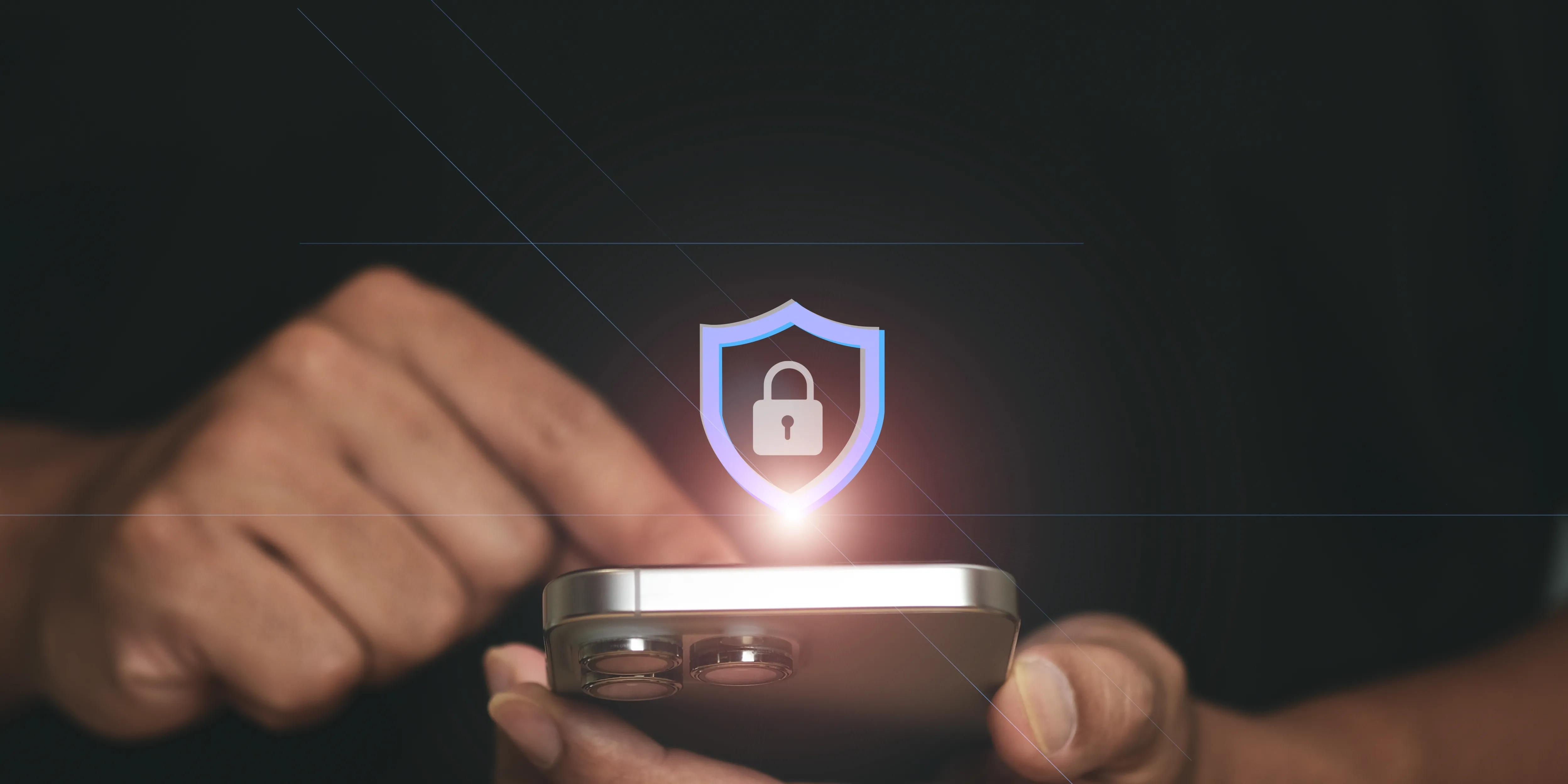
These two security features work together to provide multiple layers of protection for every account. They are quick to enable, require minimal user effort, and play a significant role in preventing unauthorized access and helping customers respond quickly to suspicious activity.
How Biometrics and Push Notifications Work
Once a customer nominates a primary device in RCBC Pulz, the app enables additional security features designed specifically for that trusted device. Two of the most valuable are biometric authentication and real-time push notifications.
Biometric Authentication
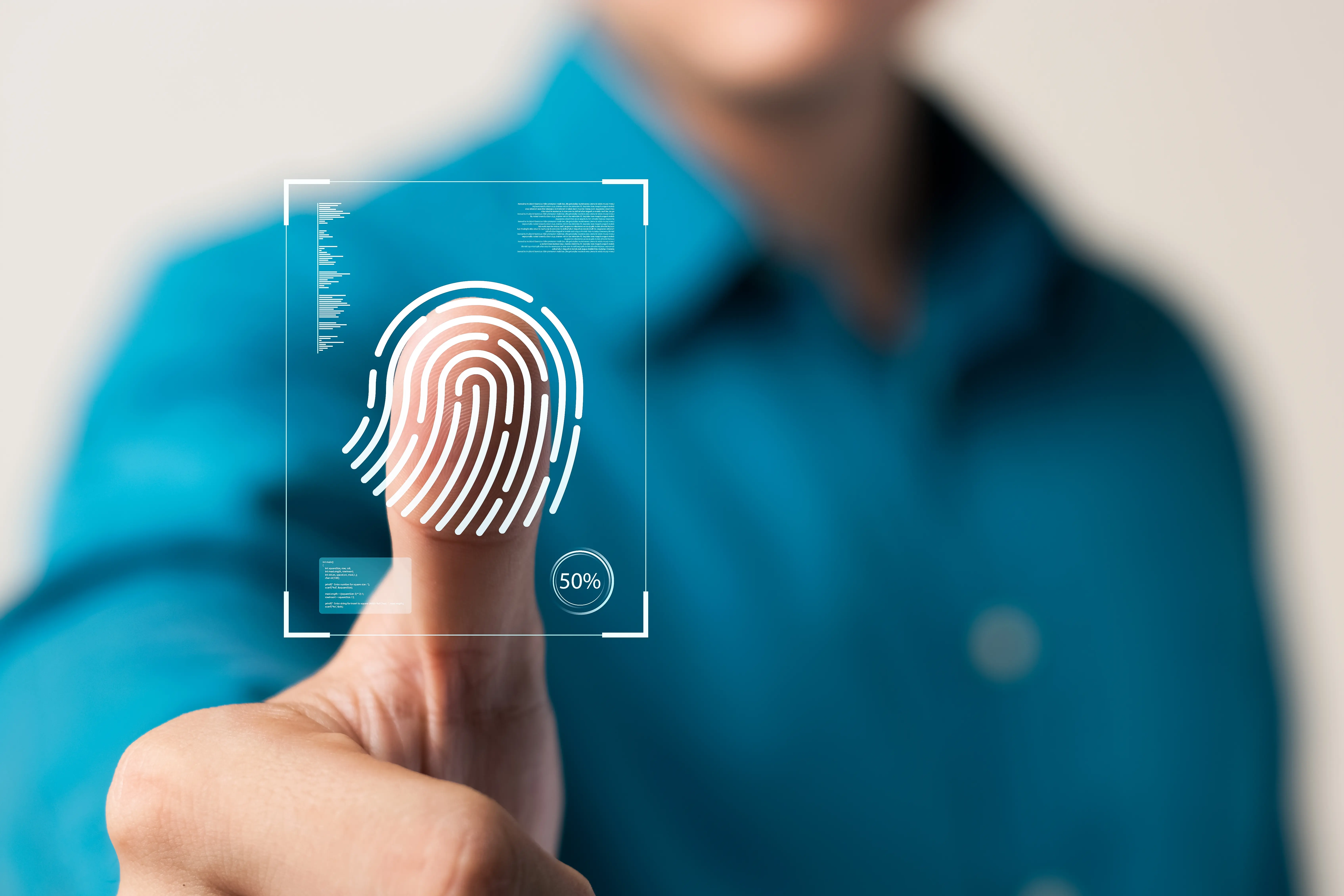
Biometric authentication uses unique physical characteristics, such as a fingerprint or facial recognition, to verify a user's identity before granting access to the app.
Unlike traditional passwords, biometric information cannot be easily guessed or shared. Every fingerprint and facial pattern is unique, making biometrics a far stronger method of identity verification than relying on passwords alone.
Once activated, users can log in to RCBC Pulz using their registered fingerprint or face instead of manually entering their password every time. This creates a smoother login experience while significantly reducing the risk of unauthorized access.
Even if someone somehow learns a user's password, they would still need the registered biometric information from the nominated device to successfully access the account.
Push Notifications
Push notifications provide another important layer of protection.
Whenever important account activity occurs, such as a login attempt, fund transfer, or account update, the RCBC Pulz app immediately sends a notification to the nominated mobile device.
Instead of discovering suspicious activity hours or even days later, users receive real-time alerts that allow them to verify whether the activity was authorized.
If the notification corresponds to something they personally initiated, they know everything is working normally. If it involves an unfamiliar login or an unexpected transaction, they can take immediate action by contacting RCBC or securing their account to prevent further damage.
This immediate visibility gives customers valuable time to respond to potential threats while minimizing the risk of fraud.
The Power of Layered Security in RCBC Pulz
Biometric authentication and push notifications are most effective when used together.
Biometrics help prevent unauthorized access in the first place by requiring identity verification tied to the customer's physical characteristics.
Push notifications serve as an ongoing monitoring system by informing customers whenever important activity occurs.
Together, they create a two-part security strategy:
- Biometrics make it much harder for someone else to access an account.
- Push notifications make it much harder for suspicious activity to go unnoticed.
This layered approach reflects one of the most effective principles in cybersecurity: rather than relying on a single security measure, multiple protections work together to reduce risk.
Even if one layer is compromised, the additional safeguards continue to protect the account.
What This Means for RCBC Pulz Users
Activating both features provides several practical benefits beyond stronger security.
- Faster, more convenient logins. Biometric login lets users open the app instantly, without needing to remember or repeatedly type complex passwords.
- Greater visibility into account activity. Real-time push notifications let customers verify important banking activity immediately, rather than discovering it later while reviewing account history.
- Reduced dependence on passwords. Passwords remain one of the most vulnerable points in online banking security, and many people unknowingly reuse the same password across multiple websites and apps. If one of those services experiences a data breach, the stolen credentials may be used to test banking accounts in a credential-stuffing attack. Biometric authentication closes this gap, since a password alone is no longer enough to gain access.
- Stronger defense against phishing. Phishing scams often try to trick users into revealing their login credentials. Even if a scammer obtains a password through deception, biometric verification adds another barrier, making unauthorized access significantly harder. Paired with instant push notifications, customers can quickly recognize suspicious login attempts and act right away.
Setting up both features takes only a few minutes within the RCBC Pulz app, and the payoff extends to every transaction made afterward.
Importance of Device Security in Online Banking
Digital banking adoption continues to grow across the Philippines, with more customers managing their finances through mobile apps rather than physical branches. This shift brings convenience, but it also raises the importance of securing the device that now holds the keys to a person's financial life.
The Bangko Sentral ng Pilipinas has consistently encouraged banks to strengthen customer-facing security measures as digital transactions rise. Features like device nomination, biometric authentication, and real-time alerts reflect this broader industry push toward safer, more resilient online banking experiences.
This is why banks across the industry, RCBC included, continue to invest in device-based security rather than password-only systems.
A password is static information that can be copied. Still, a nominated device paired with biometrics ties access to something that a fraudster cannot easily replicate, raising the bar for anyone attempting unauthorized entry.
This approach also supports RCBC Pulz's single-device login policy, which helps ensure that only your nominated device can access the app at any given time, adding another layer of protection against unauthorized use.
For customers, the takeaway is straightforward: the tools to protect an account are often already available within the app. Enabling biometrics and push notifications is a simple step that adds an extra layer of security.
Secure Your RCBC Pulz Account in Just a Few Minutes
RCBC's #DontGetFooled campaign reinforces an important message: protecting your online banking account doesn't have to be complicated. Some of the strongest security measures are already built into RCBC Pulz—they need to be activated.
By completing device nomination and enabling biometric authentication and push notifications, customers add essential layers of protection that help safeguard their accounts against unauthorized access, phishing attempts, and other forms of digital fraud.
Taking a few minutes to enable these features today can help provide a safer, more secure mobile banking experience every time you use RCBC Pulz.
Download or open the RCBC Pulz app today and enable biometrics and push notifications to strengthen your mobile banking security. For more information or assistance, visit our official website or contact RCBC.